ADVERTISEMENT


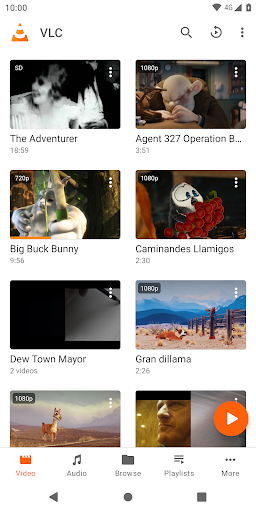
The VLC for Android app is designed for users seeking a versatile and comprehensive multimedia player that is both free and secure. Targeted towards anyone who enjoys watching videos or listening to music on their mobile devices, it accommodates a wide range of media formats. Users can download the VLC for Android app to enjoy seamless playback of various audio and video files without the hassle of advertisements or in-app purchases. With a commitment to user privacy, you'll find that the app has no spying features, making it an excellent choice for cautious users. 🚀
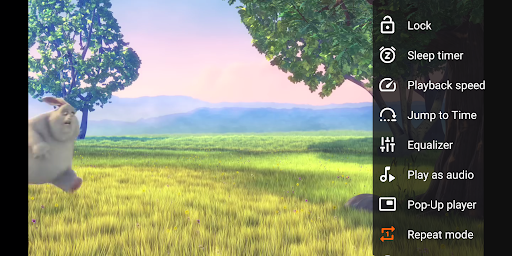
1. Versatile Media Support: The VLC for Android app can handle almost any local video or audio file format, including MKV, MP4, and AVI. This broad compatibility means users won't need to search for additional codecs or converters, enhancing their media experience.
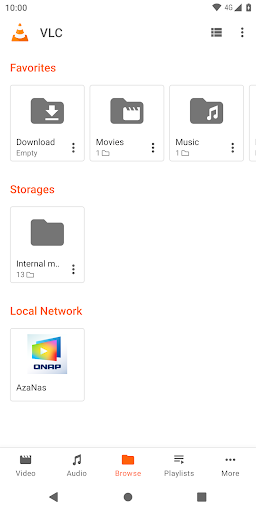
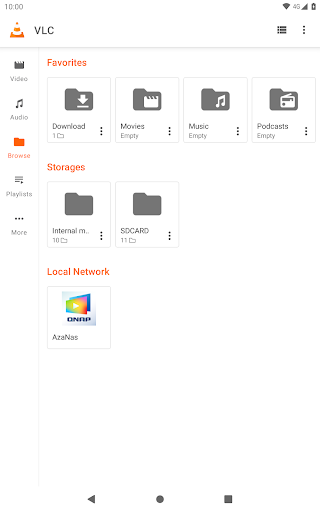
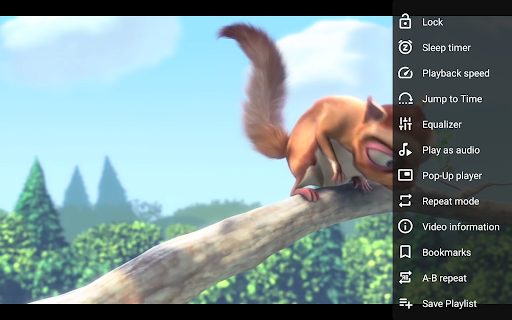
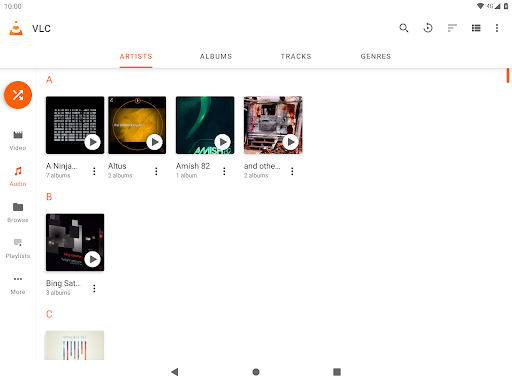
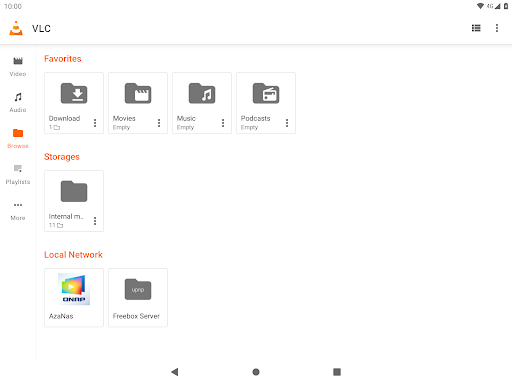
2. Network Stream Functionality: Beyond local files, the app allows users to access network streams and drives, as well as play DVD ISOs. This feature is perfect for those who prefer streaming content without downloading it first.
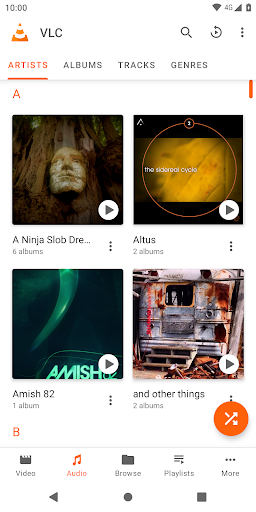
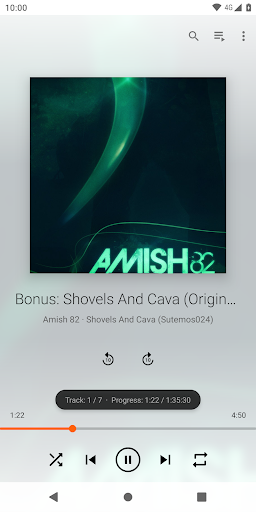
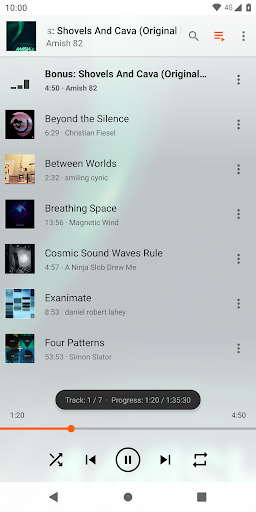
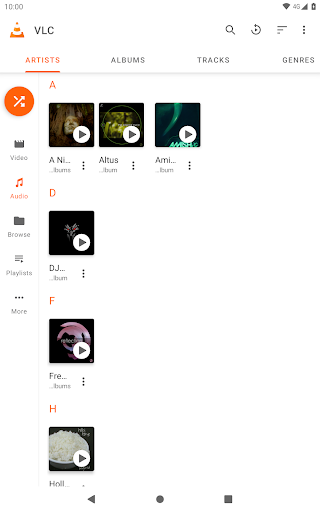
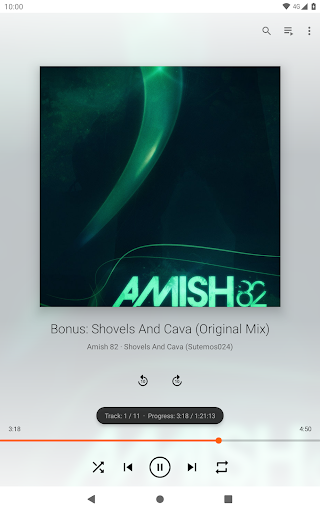
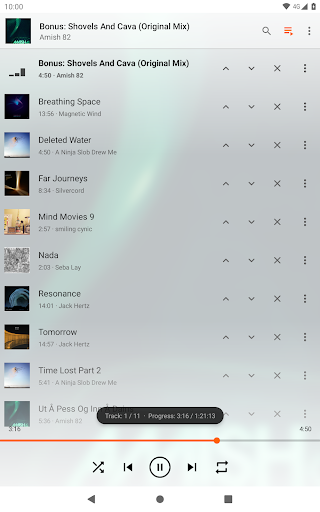
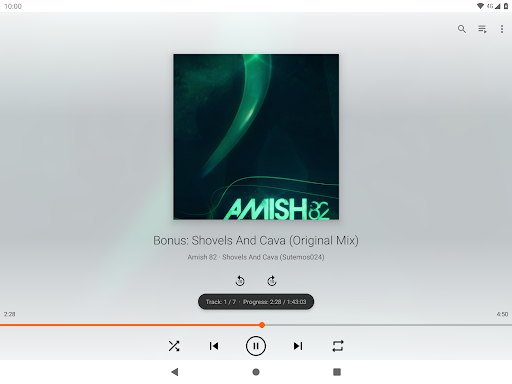
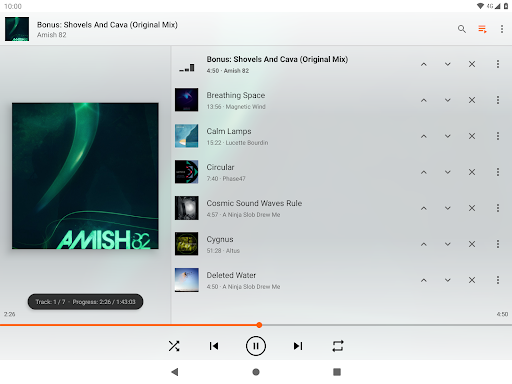
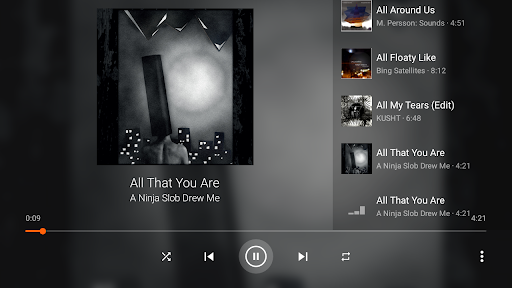
3. Comprehensive Audio Features: It serves not only as a video player but also as a full audio player. With a complete database, equalizer, and numerous filters, the VLC for Android app caters to audiophiles who demand the best sound quality from their music.
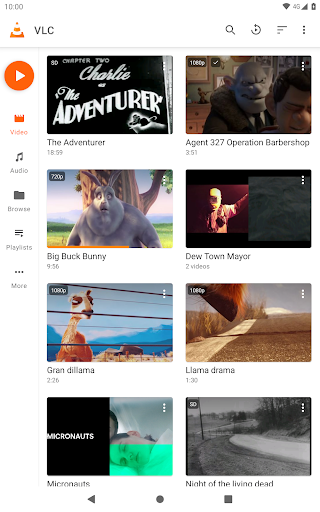
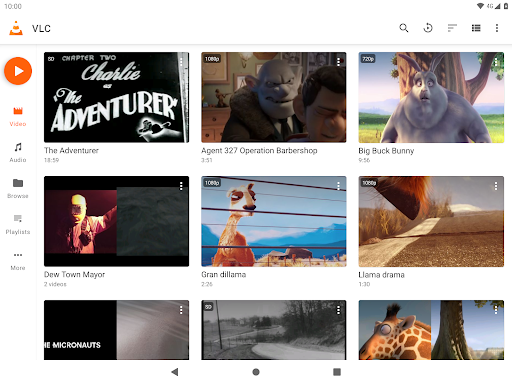
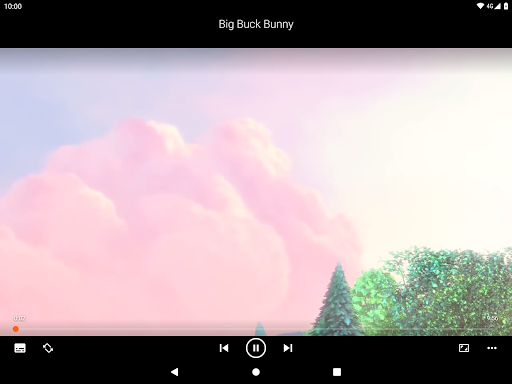
4. User-Friendly Interface: The app’s interface makes it easy to navigate through audio and video libraries and includes gesture controls for volume and brightness adjustments. Users will appreciate the intuitive design that makes finding and playing media straightforward. ✨
1. Battery Optimization: Although the VLC for Android app is efficient, it could improve battery usage, especially during prolonged video playback. Users often look for apps that do not drain their device's battery life excessively.
2. Advanced Subtitle Options: While supporting subtitles is a significant advantage, the addition of more advanced subtitle settings, such as customizing the font and color, would enhance user experience for international viewers.
3. Enhanced User Interface Customization: Some users seek more personalization options within the UI, such as theme settings or the ability to rearrange interface components, to make the app feel more tailored to their tastes. 🎨
User feedback on the VLC for Android app has been overwhelmingly positive, with many applauding its robust features and versatility. One user mentioned, “This app plays everything I throw at it! It's like having a mini media center in my pocket!” 🥳 On the other hand, some users have expressed concerns about occasional performance hiccups, stating, “It crashes sometimes, which can be frustrating.” Despite this, the overwhelming majority appreciate that it is a free and secure option without hidden costs or advertisements.
The VLC community stands by the fact that they aim to deliver a superior multimedia experience on Android devices, making it a worthwhile app for anyone looking to install the VLC for Android app for their media needs! 📱