ADVERTISEMENT


In the world of DIY crafting, the Design Space: DIY with Cricut app stands out as a powerful companion for creative enthusiasts. This app allows users to enjoy total creative freedom over their next project by connecting seamlessly to Cricut Explore™ and Cricut Maker™ machines. The ability to design, cut, or draw from anywhere is made possible through this user-friendly platform. Whether you’re a seasoned crafter or new to the Cricut family, downloading the Design Space: DIY with Cricut app can open up endless possibilities for your crafting journey. 🖌️
1. Cloud-based Syncing: The app features cloud-based syncing, which allows access to your projects from multiple devices. This flexibility means you can create from anywhere, any time inspiration strikes.
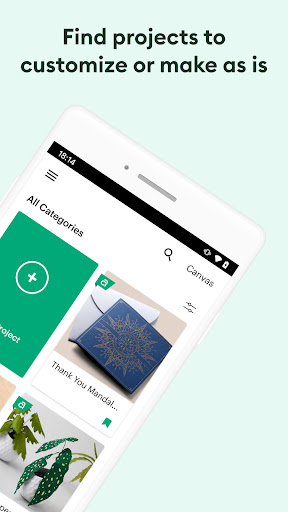
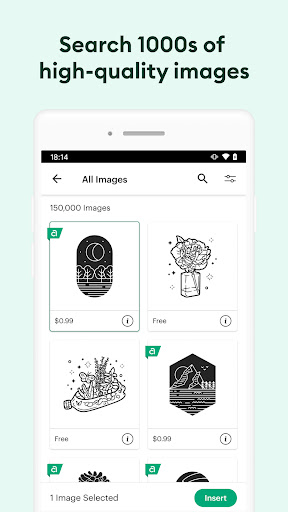
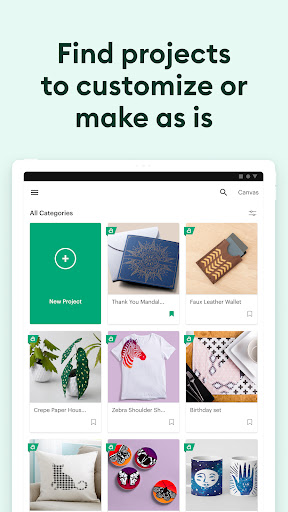
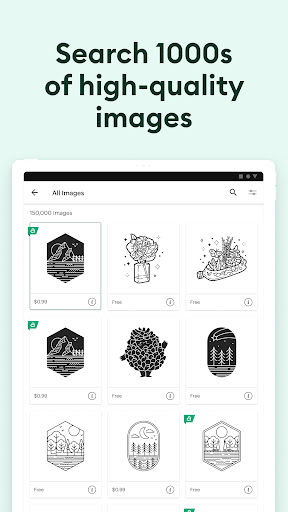
2. Cricut Image Library: Users can browse thousands of images, ready-to-make projects, and unique fonts in the Cricut Image Library, which enhances creative options.
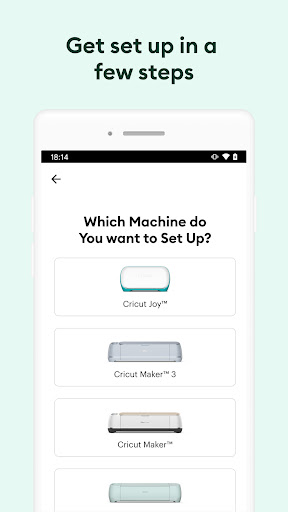
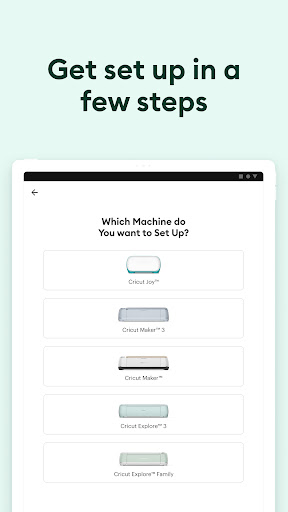
3. Device Compatibility: The app supports various devices through a Bluetooth® connection, making the setup process smooth and secure.
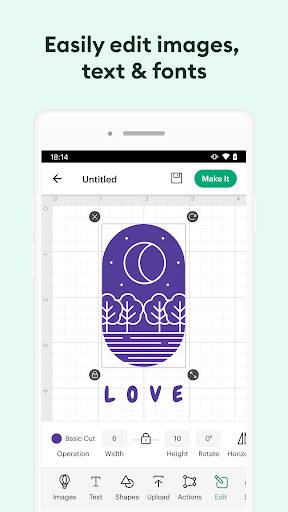
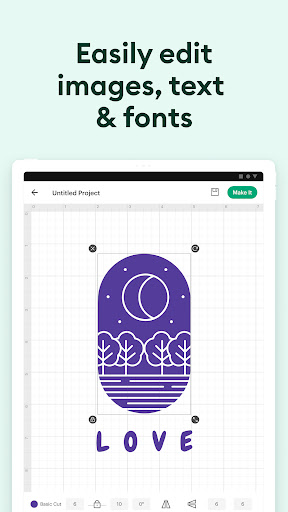
4. Creative Tools: With advanced features like kerning, spell check, and right-to-left text functionalities, users have more control and precision in their design work.
5. User Support: Cricut Member Care offers chat, call, or email assistance, ensuring users receive help whenever needed while using the Design Space: DIY with Cricut app. 📞
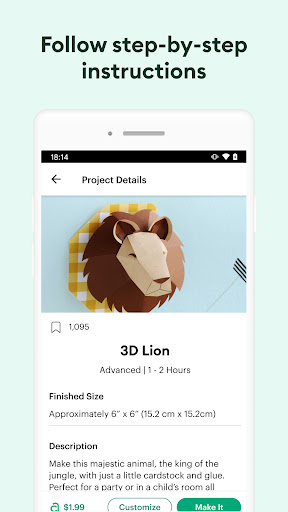
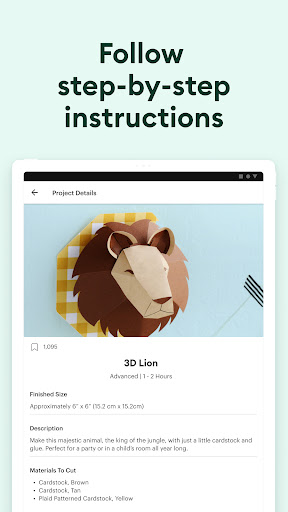
1. Flexibility: The app enables users to start projects from scratch or utilize countless pre-made designs, allowing users to unleash their creativity without limitations.
2. Accessibility: Because the Design Space: DIY with Cricut app is cloud-based, you can work on your projects from multiple devices—making crafting accessible wherever you are.
3. Seamless Integration: Connecting your compatible device with a Cricut cutting machine using Bluetooth® ensures a smooth user experience, enhancing the entire crafting process.
4. Regular Updates: The app promises continual updates for performance improvements and new features, keeping the crafting experience fresh and engaging. 🚀
User feedback about the Design Space: DIY with Cricut app has generally been positive. Many users appreciate the intuitive layout and the extensive library of images and fonts available. The cloud syncing feature is often highlighted as a tremendous advantage, making it easy to switch between devices. However, some users have reported occasional bugs, particularly concerning system updates, but overall, the app has received high marks for its creativity and functionality. 🌟
The Design Space: DIY with Cricut app is available for both Android and iOS devices, ensuring a wide range of compatibility. For optimal performance, it is recommended to install the app on devices running Android 9 or above. Users should also verify their device's hardware specifications to ensure it meets the minimum requirements for a smooth and secure experience. The app can be freely downloaded and installed from authorized app stores, making it accessible for everyone looking to explore their creative side. 📱