ADVERTISEMENT


The Google Home app serves as a central hub for managing your smart home devices efficiently. It is specifically tailored for tech-savvy homeowners who wish to streamline their home automation experience. With its innovative features, the app helps users maximize the capabilities of Gemini for Home, making it ideal for individuals seeking convenience and control in their day-to-day lives. Whether you are a busy professional, a parent juggling responsibilities, or simply someone wanting to enhance their living space, the Google Home app is the ideal tool to keep you informed and in command. 🏡
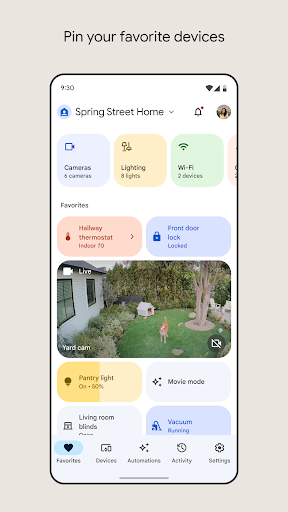
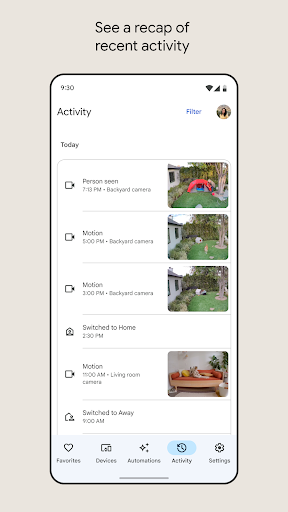
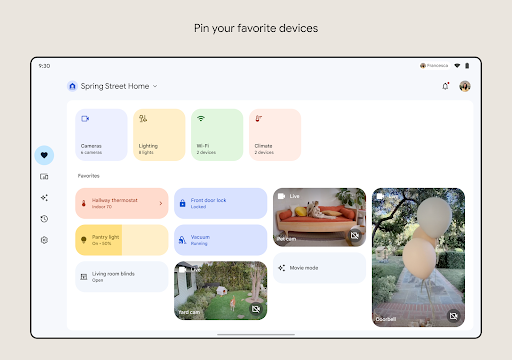
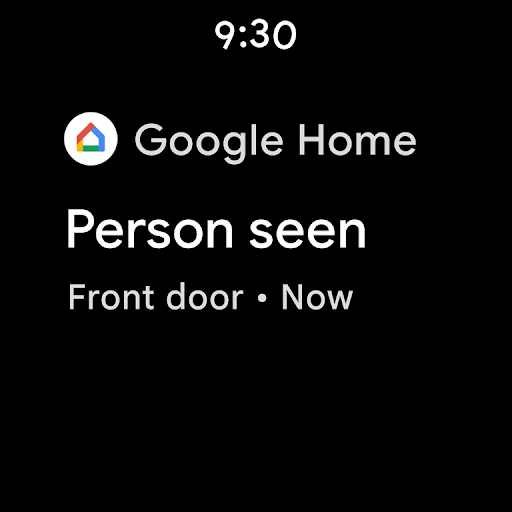
1. At-a-Glance Overview: The reimagined and organized interface of the Google Home app allows users to visualize the status of all smart devices within their home. This holistic view helps keep you updated with notifications about what you might have missed, ensuring that you never lose track of home activities. 🌟
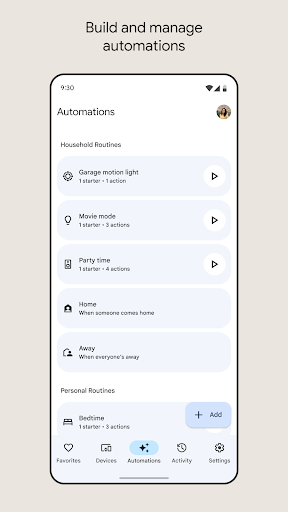
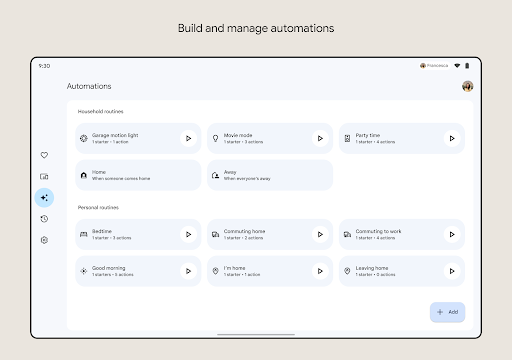
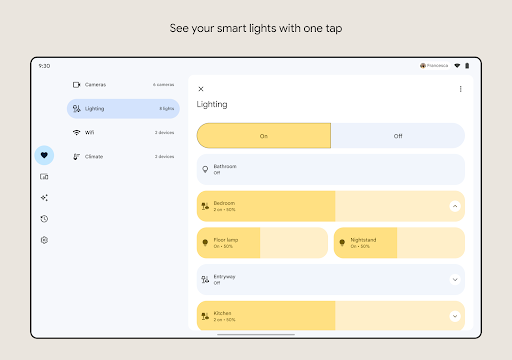
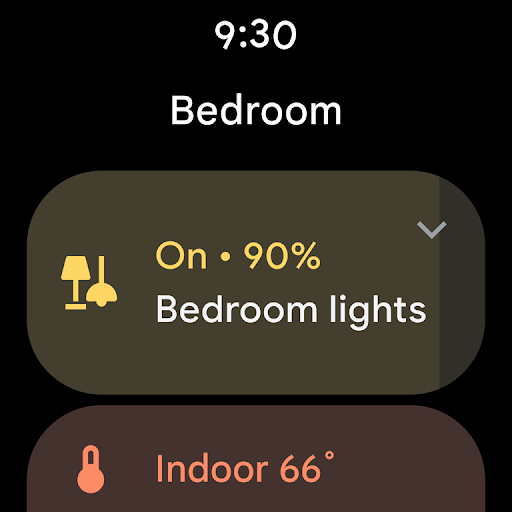
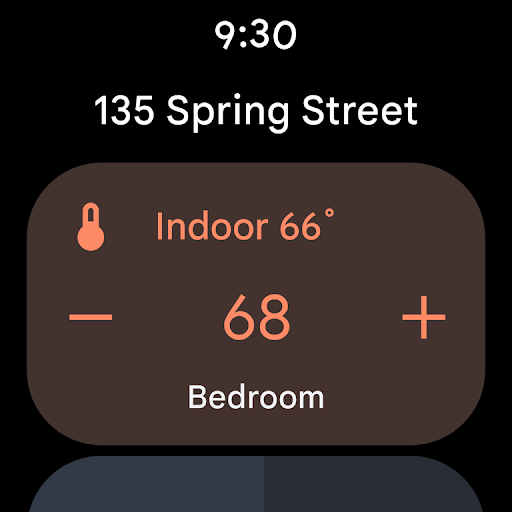
2. Streamlined Device Management: Users can now group their devices into easily navigable dashboards. This feature simplifies the control experience and allows you to adjust settings and preferences without hassle. For anyone looking to optimize their smart devices, downloading the Google Home app is a must. 🔧
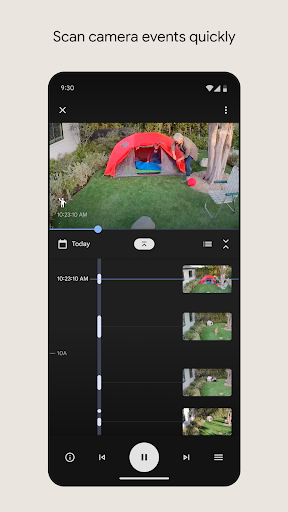
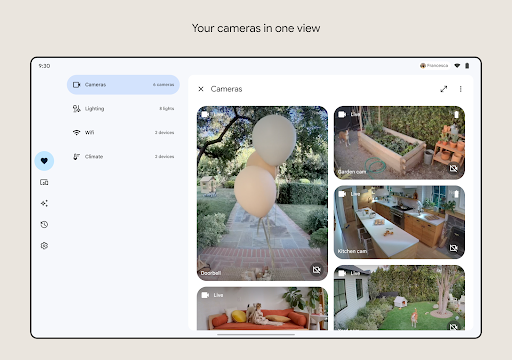
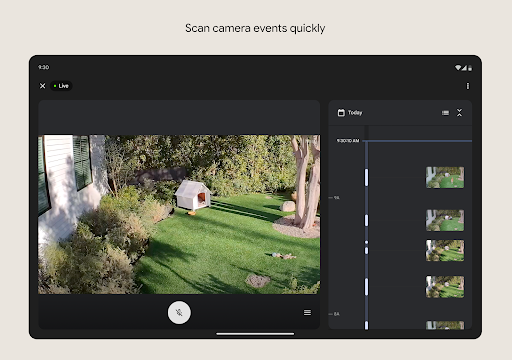
3. Quick Camera Event Scanning: The app boasts an improved camera interface that lets you quickly access live feeds and history. This makes it easy to monitor your property while adding an extra layer of security to your home. For those who value peace of mind, the Google Home app is essential. 📹
4. Voice Control with Gemini: The new voice command feature enables users to interact with devices seamlessly by simply stating commands. This hands-free operation greatly enhances user experience and makes controlling your home more intuitive than ever. The possibility to just say what you want your devices to do adds another level of convenience when you install the Google Home app. 🎤
1. User Interface Customization: While the app has a clear design, some users feel that greater customization options would enhance usability. Providing themes or layouts could offer a more personalized experience.
2. Device Compatibility: Although most functionalities are available, certain devices may not be fully compatible across regions. Broadening compatibility options could ensure that all users benefit from the full capabilities of the Google Home app. 🌍
3. Response Time: Some users have reported lag when using voice commands, particularly in regions with weaker internet connectivity. Improving the app's response time would significantly enhance the overall experience, making the app feel more responsive and secure. ⏱️
User feedback about the Google Home app is mixed yet largely positive. Many users praise its efficiency and user-friendliness, stating, "The Google Home app made managing my smart devices a breeze!" This positive sentiment highlights the ease of installation and setup, with some users remarking how smoothly they were able to download the Google Home app from the APK online. 😊
On the downside, certain users have expressed frustration over connectivity issues, stating, “It seems to lag sometimes, especially during peak hours.” This indicates a need for improvements in app performance, especially for users relying heavily on it. However, overall, the Google Home app remains a powerful tool for smart home management, making it a worthwhile download for anyone looking to optimize their living space. 🛠️