ADVERTISEMENT


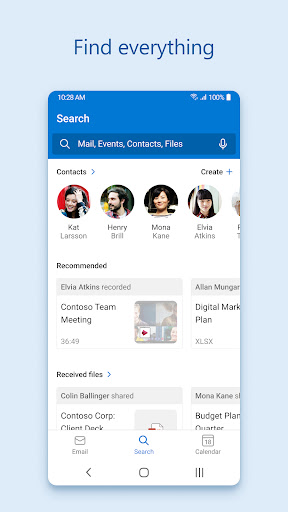
The Microsoft Outlook app is designed to connect and coordinate your busy life effectively. Whether you are a professional managing work emails, a student juggling academic correspondence, or someone organizing personal communications, this app is tailored for you. With its secure and user-friendly interface, the Microsoft Outlook app aims to simplify how you handle your emails, files, and calendars, making it an essential tool for anyone looking to improve productivity and stay organized. 🗂️
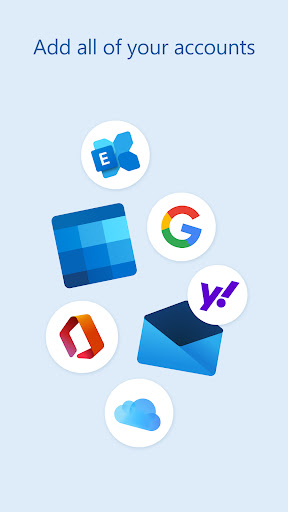
1. Unified Inbox: One of the standout features of the Microsoft Outlook app is its ability to bring all your email accounts together in one place, including accounts like Gmail, Yahoo Mail, and iCloud. This makes it convenient to manage multiple inboxes without switching apps.
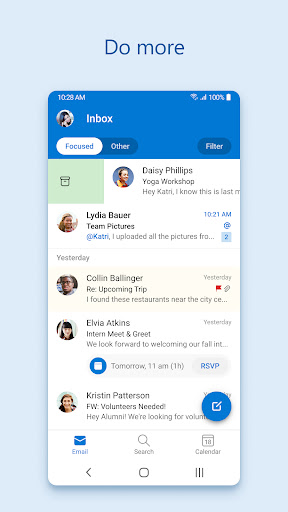
2. Intelligent Email Organization: The app intelligently sorts your emails into two categories: Focused and Other. This filtering allows you to prioritize important messages and reduce distractions from less critical communications, ensuring that you stay on top of important tasks.
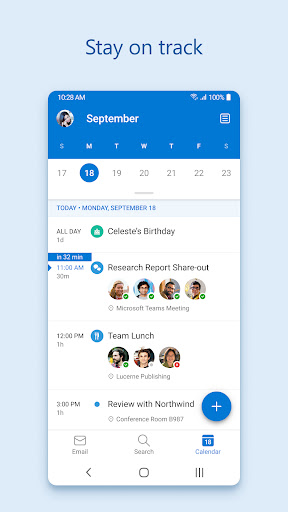
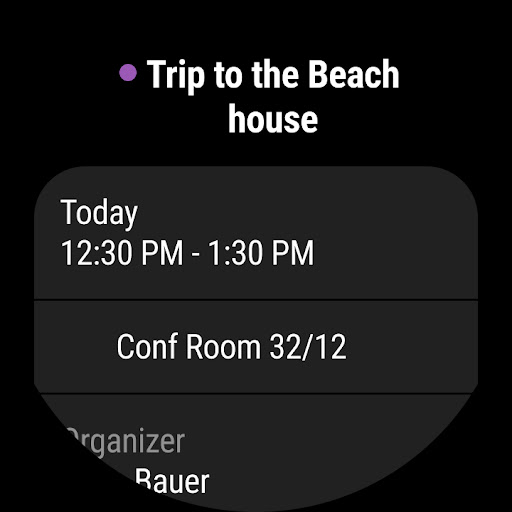
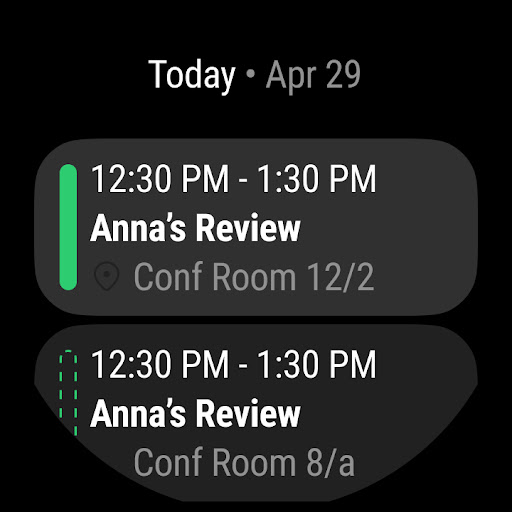
3. Calendar Management: The Microsoft Outlook app allows users to view multiple calendars at a glance. This feature is particularly useful for those who juggle various appointments from work, school, and personal life, providing a comprehensive overview of your schedule.
4. Enterprise-Grade Security: With robust protection against phishing and spam, the app assures users that their sensitive information is secure. The Microsoft Outlook app guarantees a safe environment for both personal and professional communications. 🔒
1. User Interface Customization: Although the overall design is user-friendly, having more options for customizing the interface would enhance user experience. Many users appreciate being able to tailor their app layout according to their preferences.
2. Performance Issues on Older Devices: Some users have reported that the Microsoft Outlook app can be sluggish on older Android and iOS devices. Optimizing the app for better performance across a wider range of devices would improve accessibility.
3. Integration with Additional Services: While the app connects with several platforms, expanding integration with more third-party services would provide users with greater versatility when managing their tasks. This enhancement would significantly improve productivity for users relying on various tools. 📈
User reviews for the Microsoft Outlook app are a mix of praise and critique. Many users appreciate the seamless integration of multiple accounts and the intelligent sorting feature, stating that it helps them manage their busy lives more efficiently. One user remarked, "The app has transformed how I handle my emails; I can easily see what’s important!"
On the other hand, some negative feedback highlights issues with performance on older devices and a desire for more customization options. A user lamented, "The app is great for new devices, but it's a bit slow on my old phone." Such mixed reviews guide potential users considering whether to download the Microsoft Outlook app. That said, its secure platform remains a consistent selling point for many. 🌟